Install ParchPayAuto
⚡ What It Does
ParchPayAuto helps you pay for your Parchment transcript — automatically, in a few clicks.
👀 See the Extension
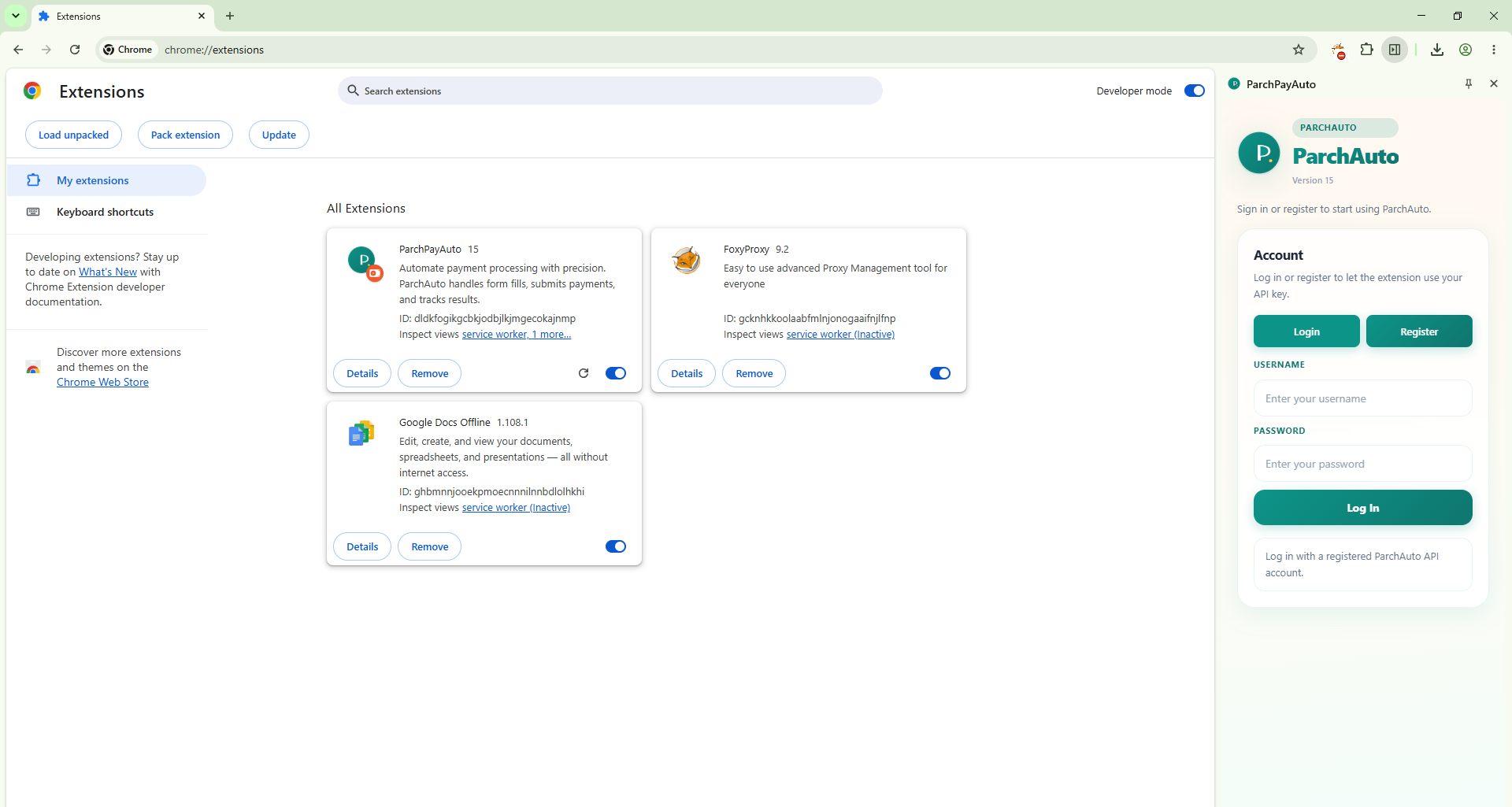
The ParchAuto side panel lives in your browser — sign in, deposit, and pay without leaving the page. Click a tab to see each view.
ParchAuto
Go to the payment page, then hit Pay — the extension handles the rest.
School: Midtown Academy · Amount: $125.00
Deposits and payments, tracked right in the panel.
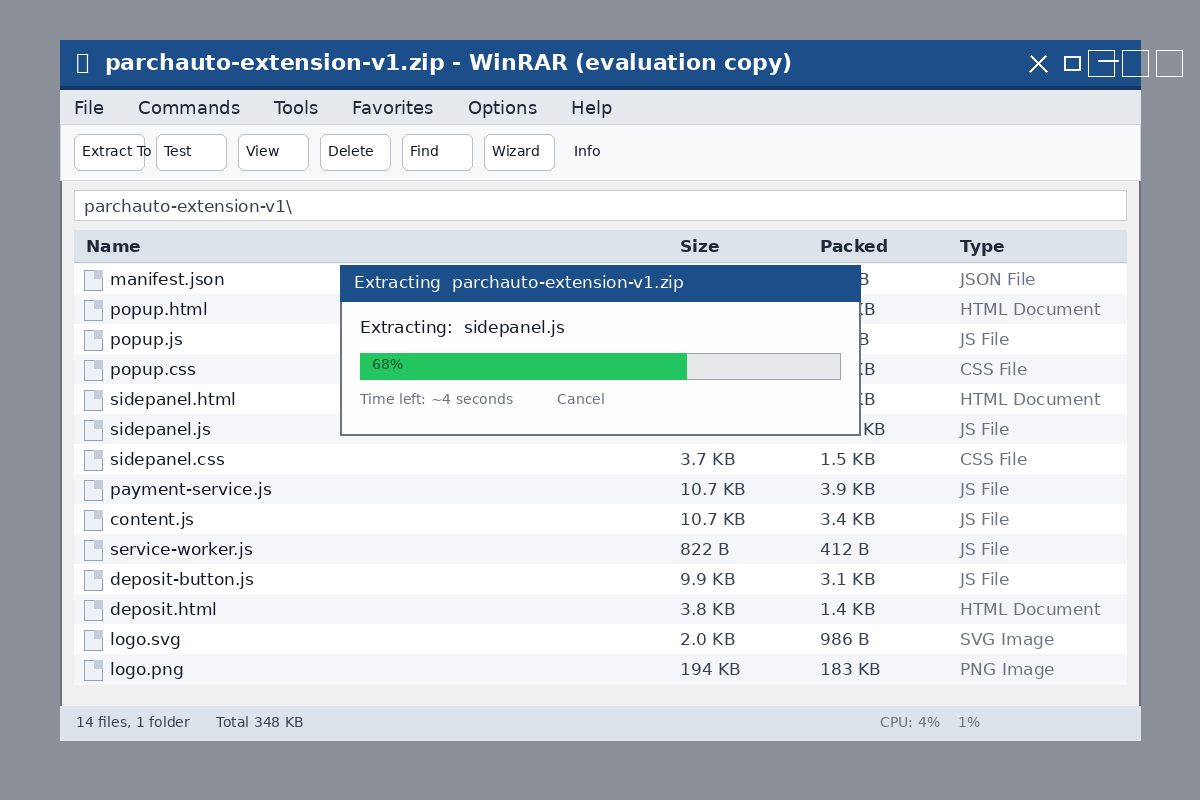
 Unzip
Extract with WinRAR, 7-Zip, or your OS
🖱️ Click to zoom
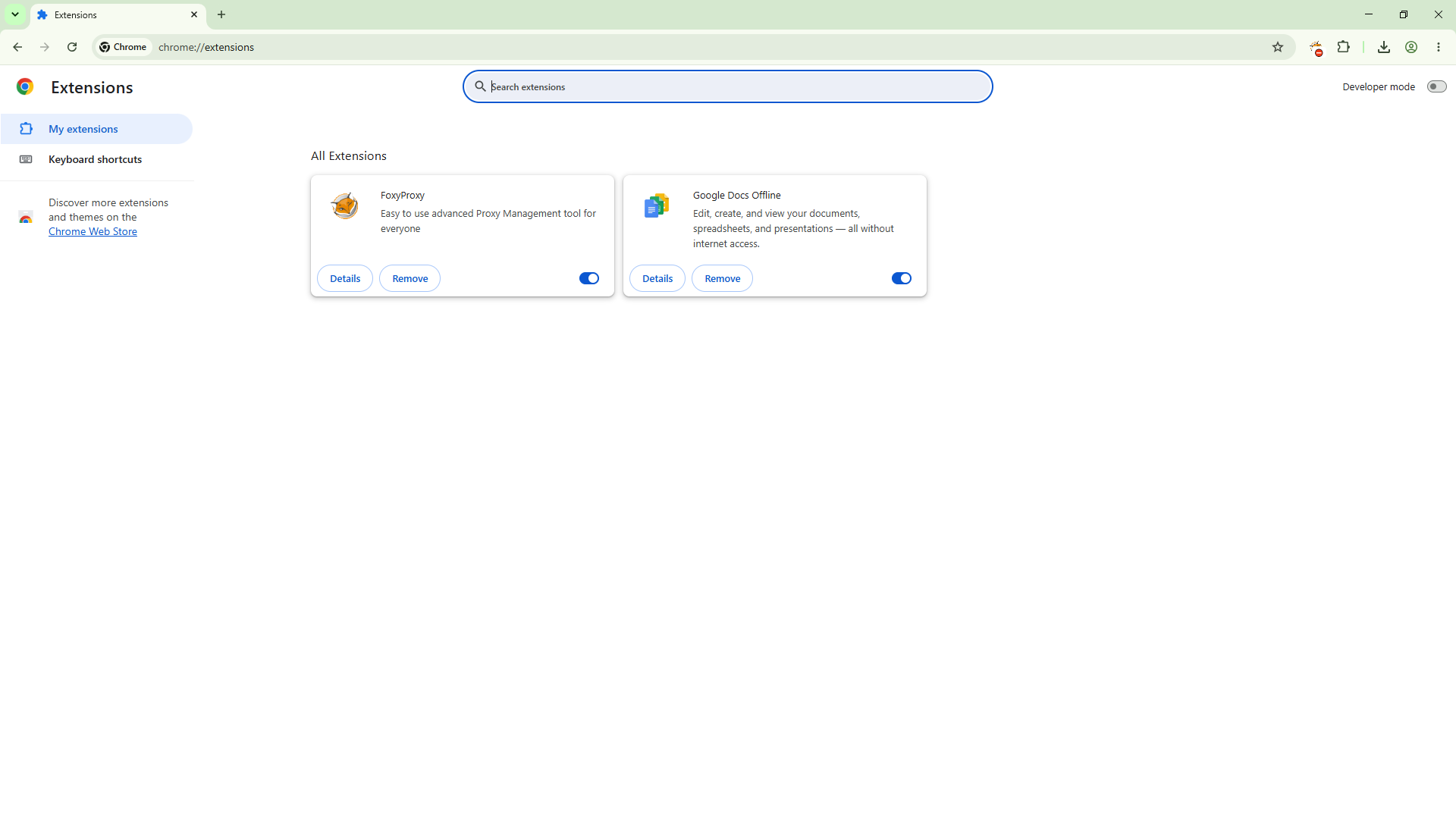
Open Extensions
Unzip
Extract with WinRAR, 7-Zip, or your OS
🖱️ Click to zoom
Open Extensions
chrome://extensions
🖱️ Click to zoom
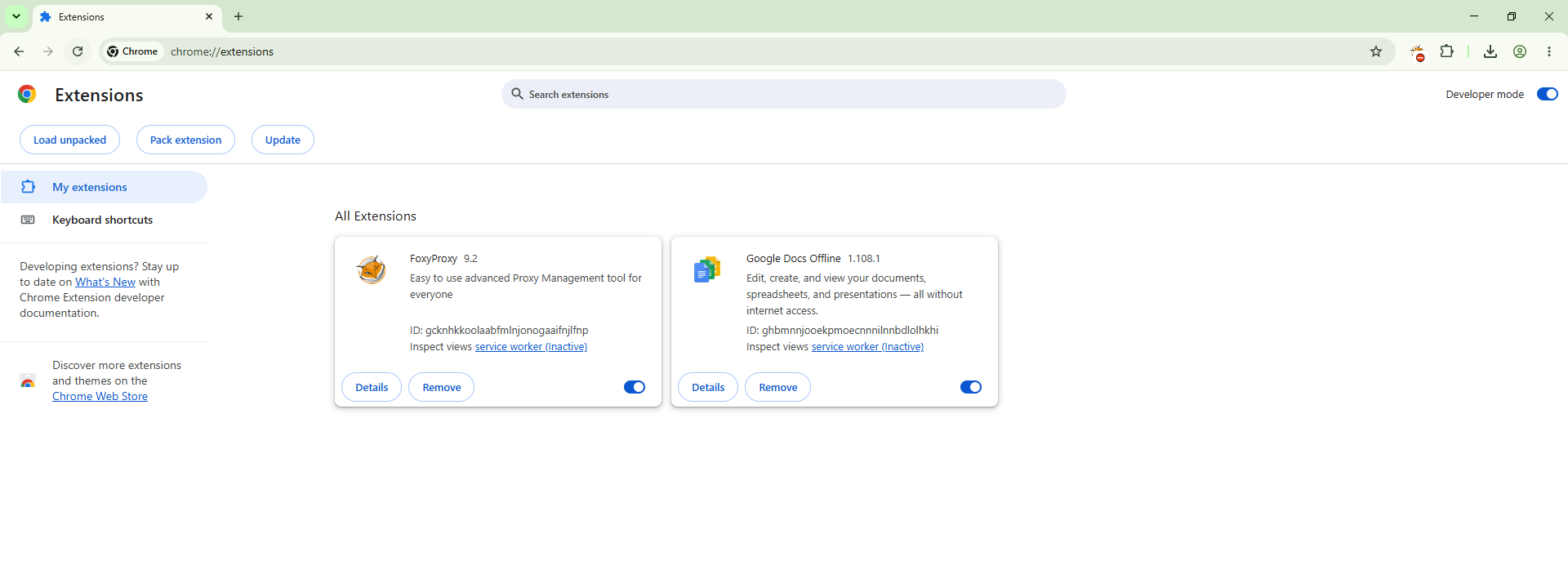
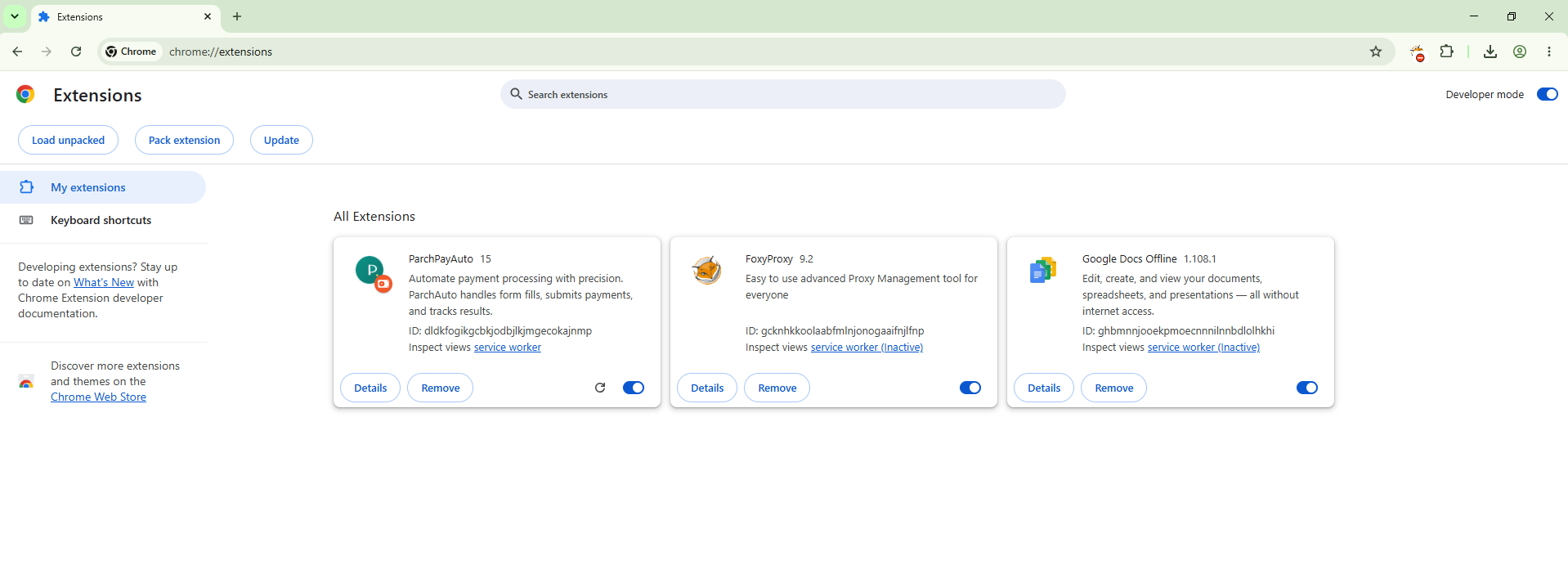
Enable Developer Mode
Toggle switch ON
🖱️ Click to zoom
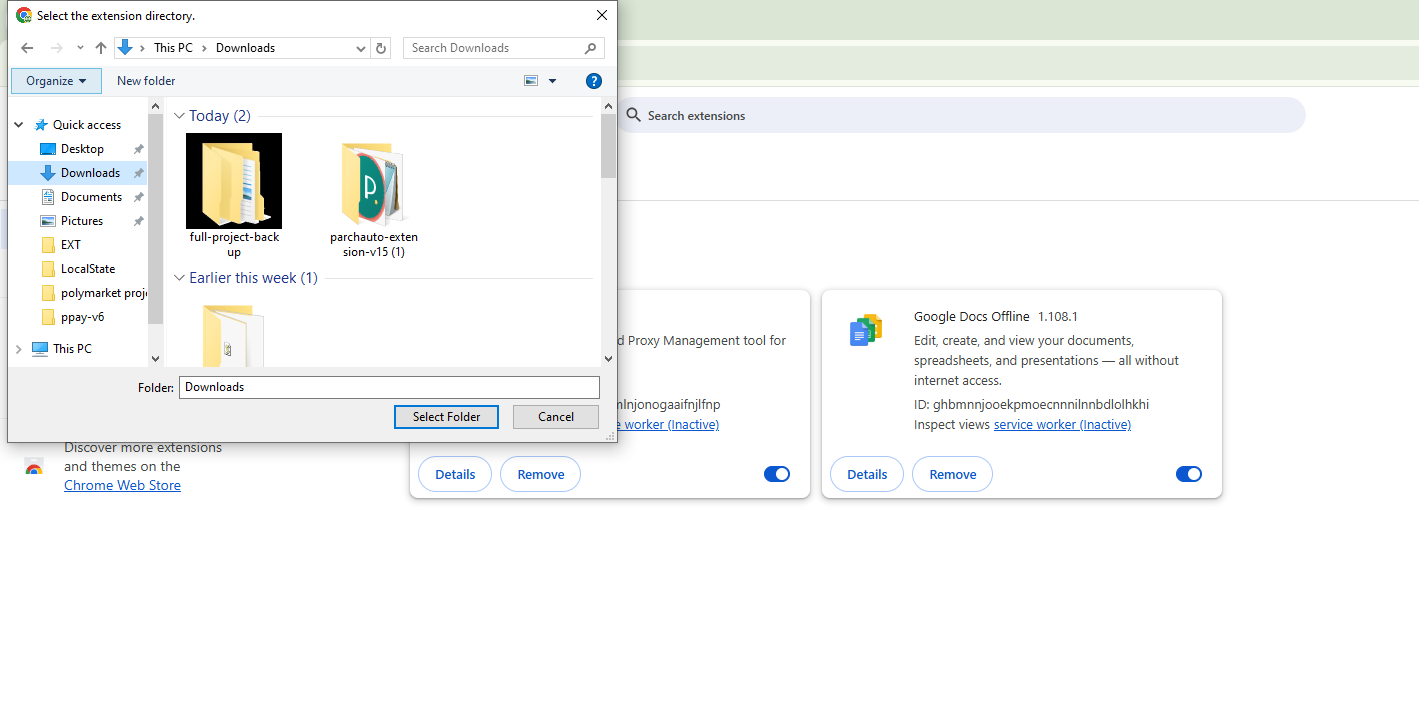
Load Unpacked
Click & select the extracted folder
🖱️ Click to zoom
Installed ✓
Extension appears in the list
🖱️ Click to zoom
🚀 How to Use It
From download to first payment — here's the whole flow. Setup takes under two minutes.
Install the extension
Download the zip above, extract it with WinRAR, 7-Zip, or your OS's built-in extractor, then load it at chrome://extensions with Developer Mode on. Pin it from the puzzle icon 🧩.
Sign in to your account
Open the ParchAuto panel and log in — or register a new account in seconds. Your session and balance are saved automatically.
Add funds
Tap 💰 Deposit, pick the amount and coin (BTC, LTC, USDT TRC20, or BNB BEP20), then send crypto to the generated address — QR code included. Deposits are detected automatically and your balance updates instantly.
Open the payment page
Navigate to the site where you make payments. The extension watches the page and is ready to act.
Hit Pay
Click Pay in the panel. ParchAuto pulls the record, fills in the details, and submits the payment for you.
Track everything
Watch progress live in the panel — it keeps retrying until accepted or you press Stop. History of deposits and payments is always one tap away.
⚡ Instant Automated Crypto Deposits
Fund your account automatically with real-time crypto deposit detection. The system monitors incoming blockchain transactions and credits your balance instantly — no manual approval needed.
Supported networks: Bitcoin · Litecoin · Tron (USDT) · Binance Smart Chain (BNB & BEP-20 tokens)